Ultimate Notion Setup for Small Business Owners
Running a small business means juggling dozens of tasks daily. The Ultimate Notion Setup for Small Business Owners is a centralized system that combines project management, CRM, finance tracking, and team collaboration into one workspace. This setup eliminates the need for multiple paid tools, saving you both time and money. By using pre-built Notion templates from notionkit.tech, you can implement this system in under 30 minutes.

*Photo by Monstera Production on Pexels*
## Why Notion is the Best Tool for Small Business Owners
Small business owners need flexibility without complexity. Notion offers:
- All-in-one workspace – Replace Trello, Asana, and spreadsheets
- Customizable templates – Tailor to your specific industry
- Collaboration features – Share with team members or contractors
- Free tier available – Perfect for startups and solopreneurs
Most business owners waste 5+ hours per week switching between apps. This setup consolidates everything into one place.
## Core Components of the Ultimate Setup
### 1. Business Dashboard (Command Center)
Your dashboard is the first thing you see daily. It should include:
- Weekly priorities – Top 3 tasks for the week
- Revenue snapshot – Current month’s income vs expenses
- Upcoming deadlines – Bills, client deliverables, tax dates
- Quick links – To your most-used databases
Pro tip: Pin your dashboard to the top of your sidebar for instant access.
### 2. Project Management System
Stop using separate project management tools. Here’s what to build:
| Feature | What It Tracks | Why It Matters |
|---|---|---|
| Task Database | Client projects, internal tasks | Clear ownership and deadlines |
| Status Views | To-do, In Progress, Done | Visual progress tracking |
| Calendar View | Due dates, milestones | Prevents missed deadlines |
| Team Assignments | Who does what | Accountability for results |
Use linked databases to connect tasks to clients and finances automatically.
### 3. Client Relationship Manager (CRM)
Your Notion CRM should track every interaction:
- Contact details – Name, email, phone, company
- Deal stage – Lead, Proposal, Negotiation, Closed
- Notes – Call summaries, important preferences
- Communication history – Emails sent, meetings held

*Photo by www.kaboompics.com on Pexels*
This replaces expensive CRM tools like HubSpot or Salesforce for most small businesses.
### 4. Finance & Invoicing Tracker
Keep your finances organized without spreadsheets:
- Income log – Date, client, amount, payment status
- Expense log – Category, amount, receipt attachment
- Profit calculation – Automatic formula for net income
- Invoice tracker – Invoice number, sent date, paid status
Add a monthly summary view that shows your profit/loss at a glance.
### 5. Content & Marketing Calendar
Plan your marketing efforts in one place:
- Social media posts – Platform, date, copy, image links
- Blog articles – Topic, status, publish date
- Email campaigns – Subject line, audience, send date
- Performance metrics – Views, clicks, conversions
Use the calendar view to see your entire month of content at once.
## How to Set Up This System in 30 Minutes
Follow these steps to get started immediately:
1. Start with a template – Visit notionkit.tech and choose the Small Business Bundle
2. Duplicate into your workspace – One click duplicates the entire system
3. Customize your dashboard – Add your logo, company name, and brand colors
4. Import existing data – Copy-paste from spreadsheets or other tools
5. Invite team members – Share specific pages with edit or view permissions
Don’t build from scratch. Templates save you 10+ hours of setup time.
## Comparison: Notion vs Traditional Business Tools
| Feature | Notion Setup | Traditional Tools | Cost Savings |
|---|---|---|---|
| Project Management | ✅ Built-in | Asana ($25/mo) | $300/year |
| CRM | ✅ Built-in | HubSpot ($50/mo) | $600/year |
| Finance Tracking | ✅ Built-in | QuickBooks ($30/mo) | $360/year |
| Content Calendar | ✅ Built-in | CoSchedule ($29/mo) | $348/year |
| Total | $0/month | $134/month | $1,608/year |
This setup saves you over $1,600 annually while keeping everything connected.
## Advanced Tips for Power Users
Once you’re comfortable, try these enhancements:
- Automations – Use Notion’s buttons to move tasks between statuses automatically
- Integrations – Connect Slack, Google Calendar, or Zapier for real-time updates
- Templates for recurring tasks – Create invoice templates, project briefs, and meeting notes
- Role-based permissions – Give clients view-only access to their projects
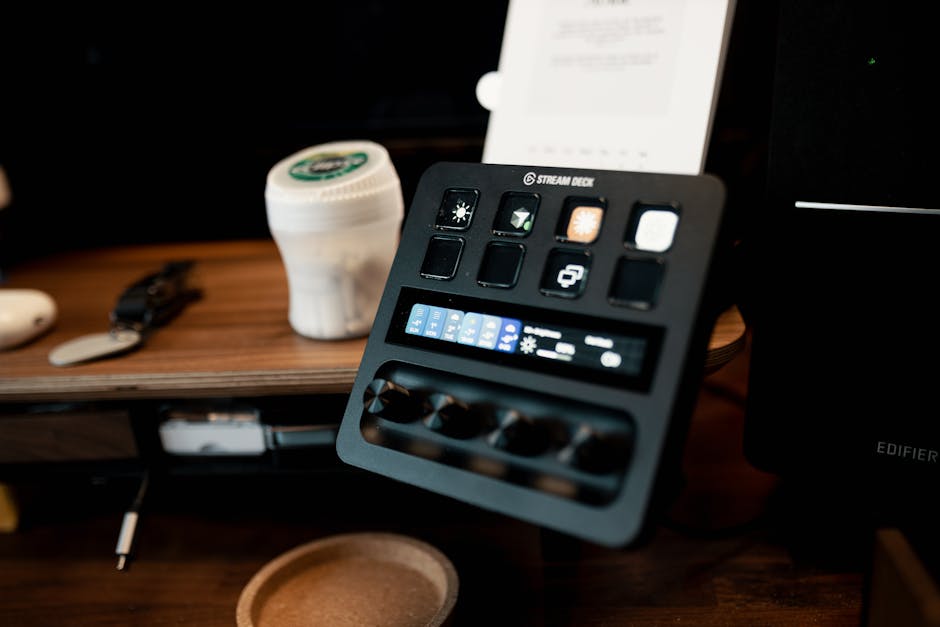
*Photo by Josh Sorenson on Pexels*
## Common Mistakes to Avoid
- Over-customizing – Start with the template, then tweak as needed
- Too many databases – Keep it to 5-7 core databases maximum
- No backup – Export your workspace weekly to Google Drive
- Ignoring mobile – Test your setup on the Notion mobile app
## Real Results from Small Business Owners
“I replaced 4 different apps with one Notion workspace. My weekly planning went from 2 hours to 30 minutes.” – Sarah, Freelance Designer
“The CRM alone saved me $600/year. Now every client interaction is logged and accessible.” – Mark, Marketing Agency Owner
## Conclusion
The Ultimate Notion Setup for Small Business Owners is more than just a productivity hack—it’s a cost-saving, time-reducing system that centralizes your entire business operations. By using templates from notionkit.tech, you skip the tedious setup and start working smarter immediately.
Ready to transform your business workflow? Visit notionkit.tech now to download the Small Business Bundle and get your ultimate Notion setup today. Your future self will thank you.